Activation-code setup
Power on the Beacon, log in to SignalCost, and enter the activation code shown by the unit. SignalCost ties that device to the right company and office.
Review office AI locally, apply company rules before provider use, and keep sensitive checks inside the office when your privacy setting requires it.
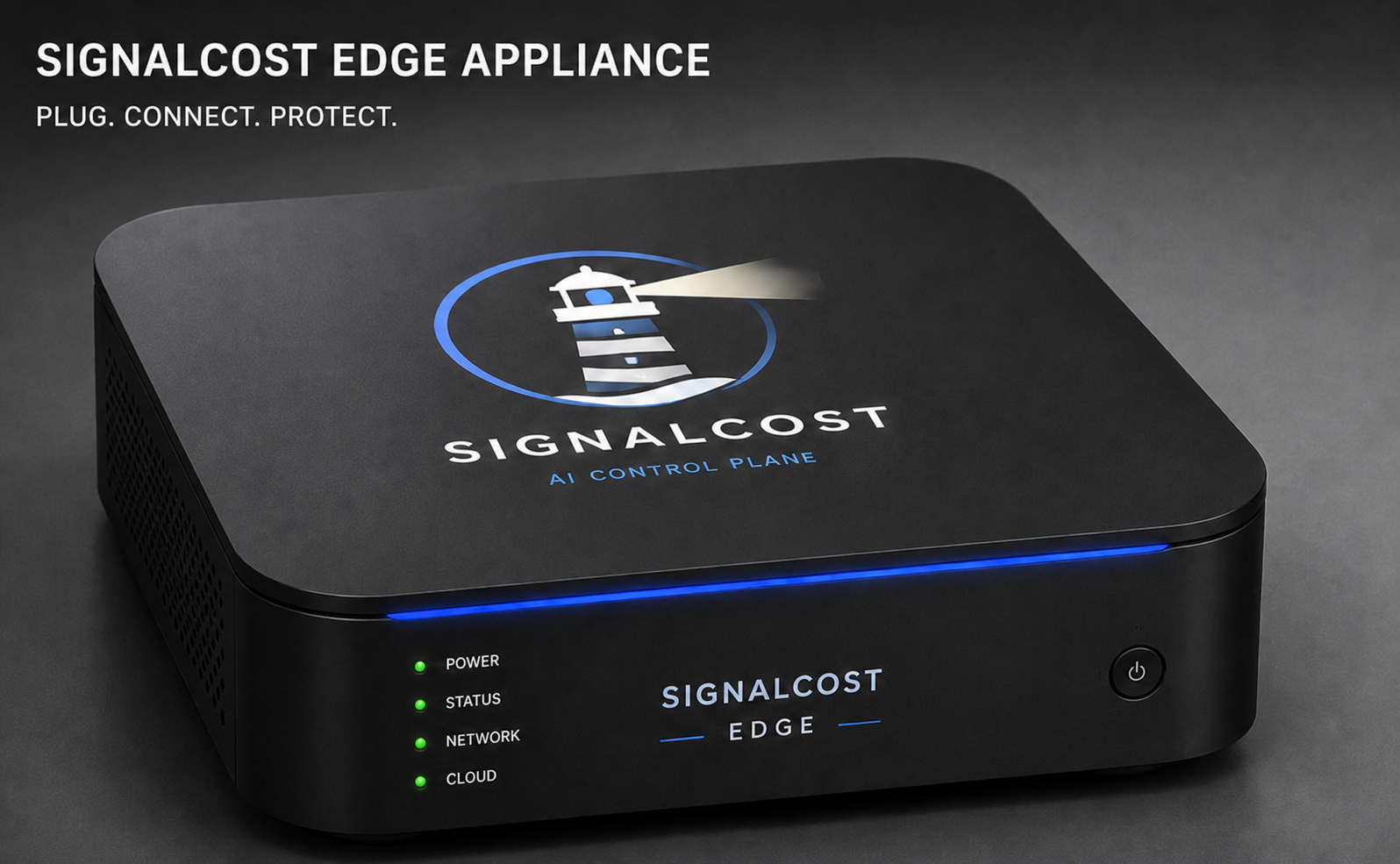
Reserve Beacon when you want simple local AI controls for an office, branch, or customer site without asking employees to change how they work.
Both versions answer the same business questions: who is using AI, what work it supports, whether it should be allowed, where it should run, what it costs, and what proof should be kept.
Power on the Beacon, log in to SignalCost, and enter the activation code shown by the unit. SignalCost ties that device to the right company and office.
Use the same choices as Cloud: company browsers, computers, business apps, AI agents, or local Beacon activity. Start with the one your team already uses.
Beacon can check a request locally, decide whether it follows company rules, and then allow approved AI use.
Beacon helps SignalCost find AI services and show their activity. Optional network controls can be added later if your company needs them.
SignalCost shows which offices are active, which policies are installed, whether updates are current, and whether the local dashboard is healthy.
SignalCost can find supported services from normal activity. Connect an account later only when you need exact billing details.
No account connection required.
Ready for everyday reporting.
Your connection stays private.
Add a billing connection later if you want to match activity to an invoice or manage which AI service receives company work.
See how AI services appearSignalCost turns technical AI activity into a clear picture your whole company can use.
See which AI tools people use and the work they use them for.
Choose what is allowed, when someone should review it, and how much a team can spend.
See whether the time saved and work completed were worth the money.
No. Beacon is the office device. SignalCost Cloud still manages your account, policies, reports, billing, support, and device list.
Beacon keeps the latest approved rules locally and follows the fallback choice your company sets: keep running, stop risky requests, or stay local-only.
Beacon is designed so a small office can start without a custom IT project: plug it in, enter the activation code, start local capture, and install the native browser or managed source that fits the office. Add provider credentials later only when billing or routing requires them.
No. Capture and provider discovery work without a proxy, browser certificate, or router change. Add optional router, DNS, inline, or proxy enforcement only when the company needs direct-provider bypass controls.
Beacon can make the sensitive decision inside the office while SignalCost receives the business record needed for reporting and audit.
Beacon detects the local router, DNS, and Beacon address so offices get a clear recommended path instead of a custom networking project.
Add devices by office, branch, or customer while keeping each site’s rules, reports, and evidence separate.
Cloud and Beacon are two ways to use the product. Your AI services, connected devices, rules, costs, reviews, reports, and history stay together.
Create a workspace, connect one browser or device, review the AI services your team uses, set company rules, and manage spending. Beacon hardware is optional.
Start with one browser or device. Add Beacon One later if an office needs local protection.